

Rendering Sections
The Faceted Segmentation component renders one document. It evaluates each section's rule against the visitor's facet values, and decides which sections show and whether the document's public content shows too. The template only renders what the component hands it.
This page covers the component's parameters.
The parameters
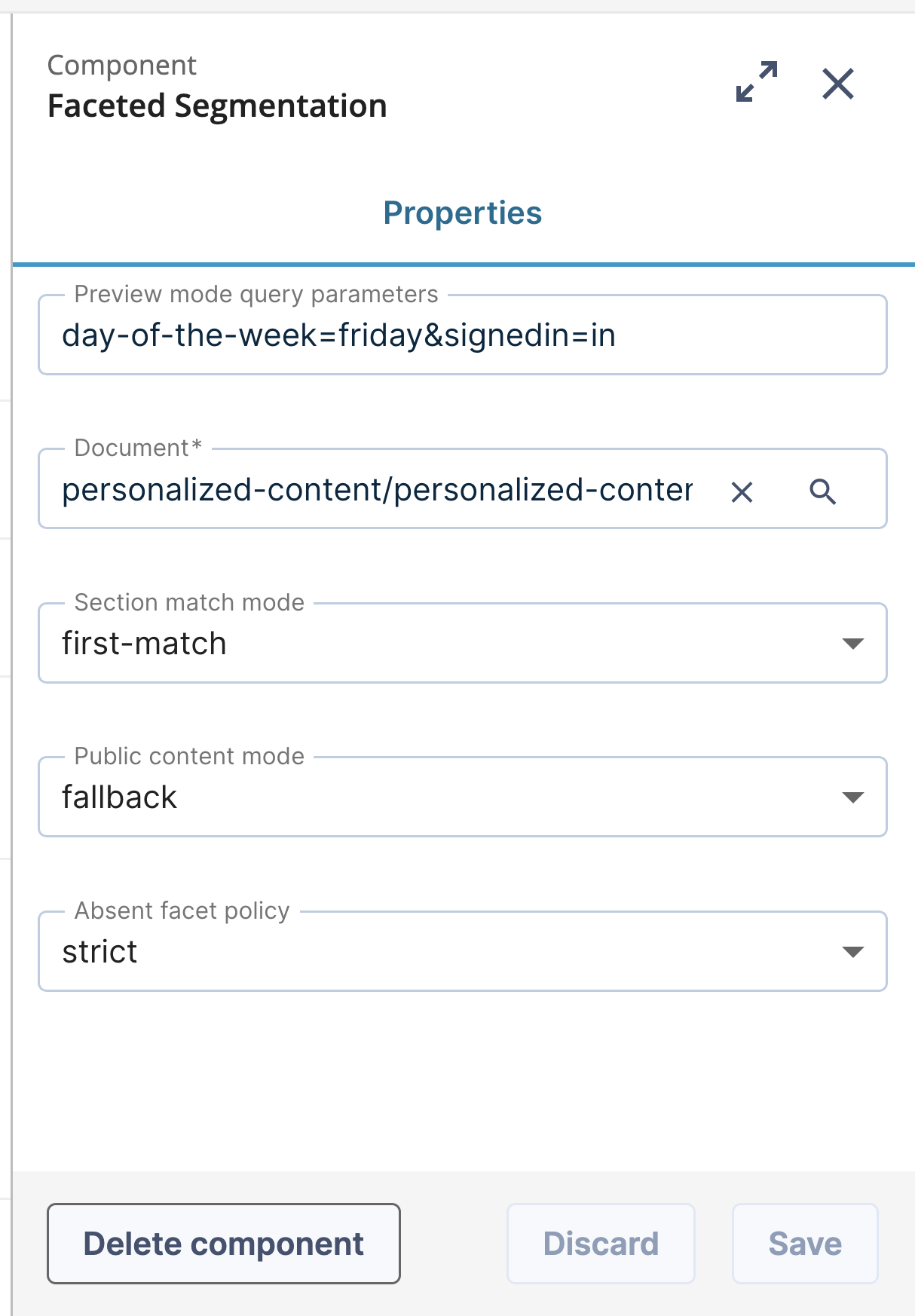
| Parameter | Default | Decides |
|---|---|---|
document |
none | The document to render. A path relative to the channel's content root. |
sectionMatchMode |
first-match |
How many matching sections show. |
publicContentMode |
fallback |
Whether public content shows when a section matched. |
absentFacetPolicy |
strict |
What a rule does when the visitor has no value for a facet. |
previewModeQueryParams |
day-of-the-week=monday&signedin=in |
The facet values used in preview. |
Each component on a page has its own values, so one document can render differently in two places.
sectionMatchMode and publicContentMode
sectionMatchMode decides how many matching sections show. publicContentMode decides whether
the public content shows too. Any pair works:
sectionMatchMode |
publicContentMode |
A visitor sees |
|---|---|---|
first-match |
fallback |
One section, or the public content if none matched. |
first-match |
always |
The public content, then at most one section. |
all-matches |
fallback |
Every matching section, or the public content if none matched. |
all-matches |
always |
The public content, then every matching section. |
Sections are evaluated in the document's order, so under first-match the order is the priority:
put the narrowest audience first.
The default pair suits alternative versions of the same content: each visitor gets one.
all-matches with always suits a stack of independent blocks: everyone gets the public content,
plus each block they qualify for.
For example, this document has four sections:
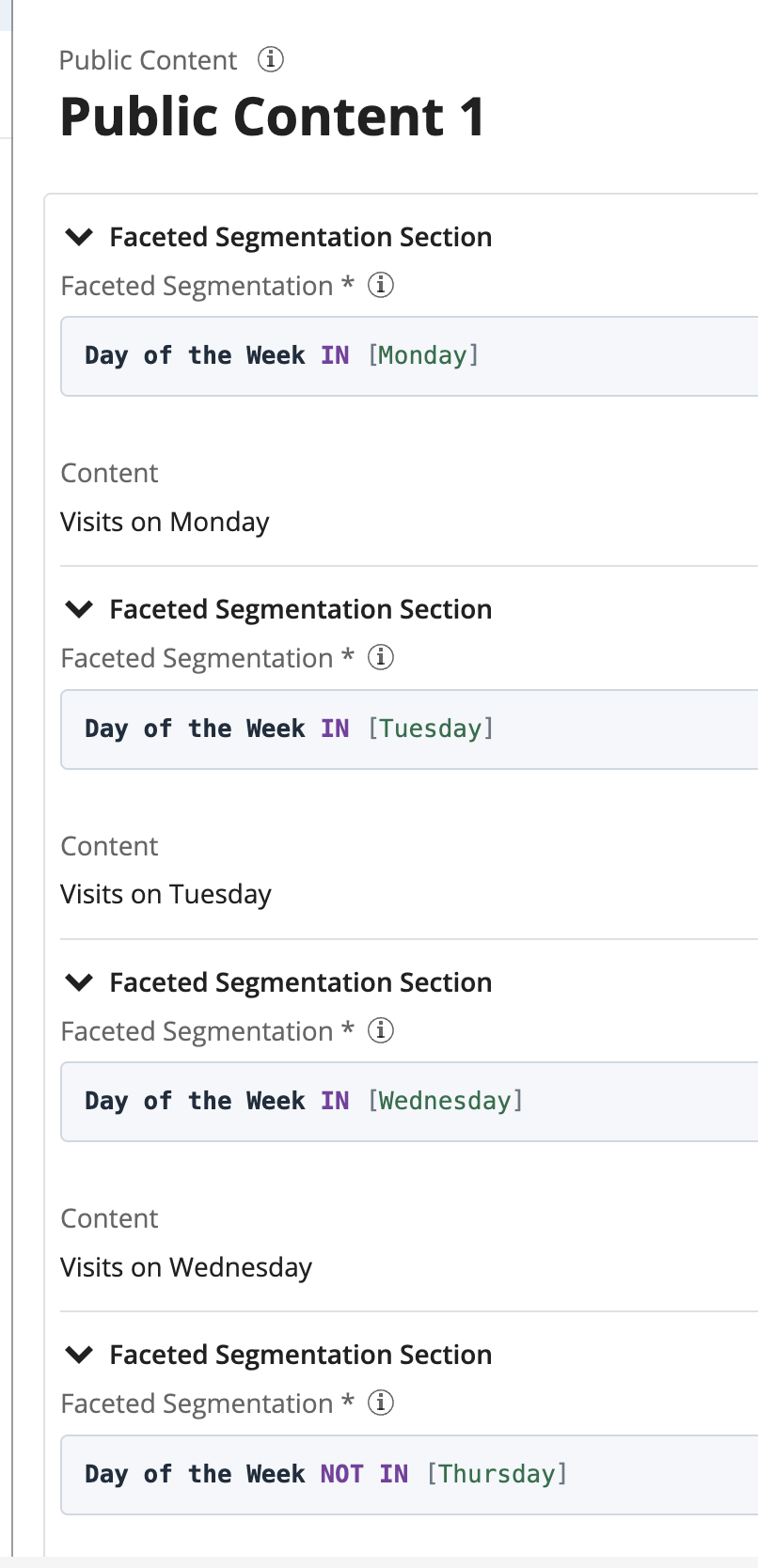
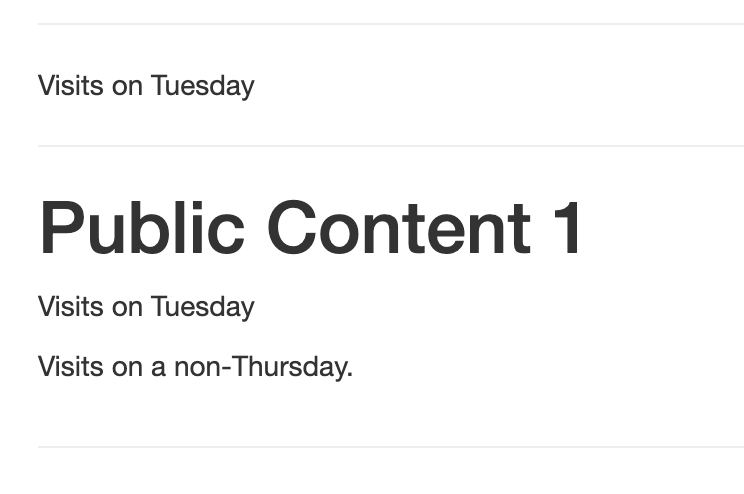
Two components render it on one page, both for a visitor on a Tuesday. The first uses
first-match with fallback, so it shows only the Tuesday section. The second uses all-matches
with always, so it shows the public content, then both the Tuesday and the non-Thursday sections:
absentFacetPolicy
Decides what a condition does when the visitor has no value at all for its facet:
| Value | IN |
NOT IN |
|---|---|---|
strict |
doesn't match | doesn't match |
permissive |
doesn't match | matches |
strict fails closed. Use it when sections gate anything a visitor shouldn't see by accident, or
when a missing value can mean that a lookup failed. Under permissive, a failed lookup makes every
NOT IN rule match.
permissive is right when a missing value means something. An editor who writes
Size NOT IN [Small] usually means “everyone except small”, and a visitor with no size is in that
group.
A negated group of two or more conditions is the exception to both. Under either policy, IN
fails for a visitor with no value, so NOT (Size IN [Small] AND Day of the Week IN [Monday])
matches a visitor with no size. A group with one condition isn't an exception:
NOT (Size IN [Small]) is stored as Size NOT IN [Small], which follows the policy.
An unrecognized value falls back to strict, with a warning in the log.
Preview values
In preview, facet values always come from previewModeQueryParams, even with your own audience
source. URL query parameters are ignored. The format is in Previewing Segments.
The default only suits the Demo Project. On other projects its facets are unknown and skipped, so set your own.
When evaluation doesn't run
| Situation | What shows |
|---|---|
| No document is configured. | In the Experience manager, a button to pick or create one. Elsewhere, a “No document has been selected” message. |
| The document path doesn't resolve. | As above. A warning is logged. |
| The facet catalog can't be read. | The public content, whatever the modes. An error is logged. |
Debugging
To see why a section did or didn't show, turn on debug logging for
org.bloomreach.forge.facetedsegmentation.component.FacetedSegmentationComponent. For each render,
it logs how many sections matched, the modes, and every request parameter or value it ignored
because it isn't a known facet or value.
On a live request you can try any visitor from the browser, since by default facet values come from query parameters. On the demo:
http://localhost:8080/site/?day-of-the-week=monday&signedin=in